

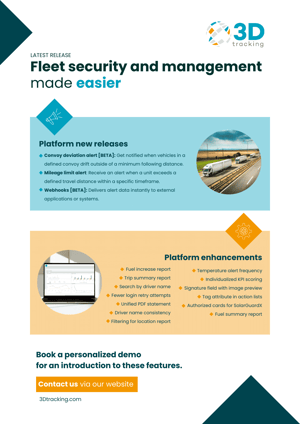
- New: convoy deviation alert
- New: mileage limit alert
- New: webhooks
- Platform enhancements
- New device integrations
- FAQs
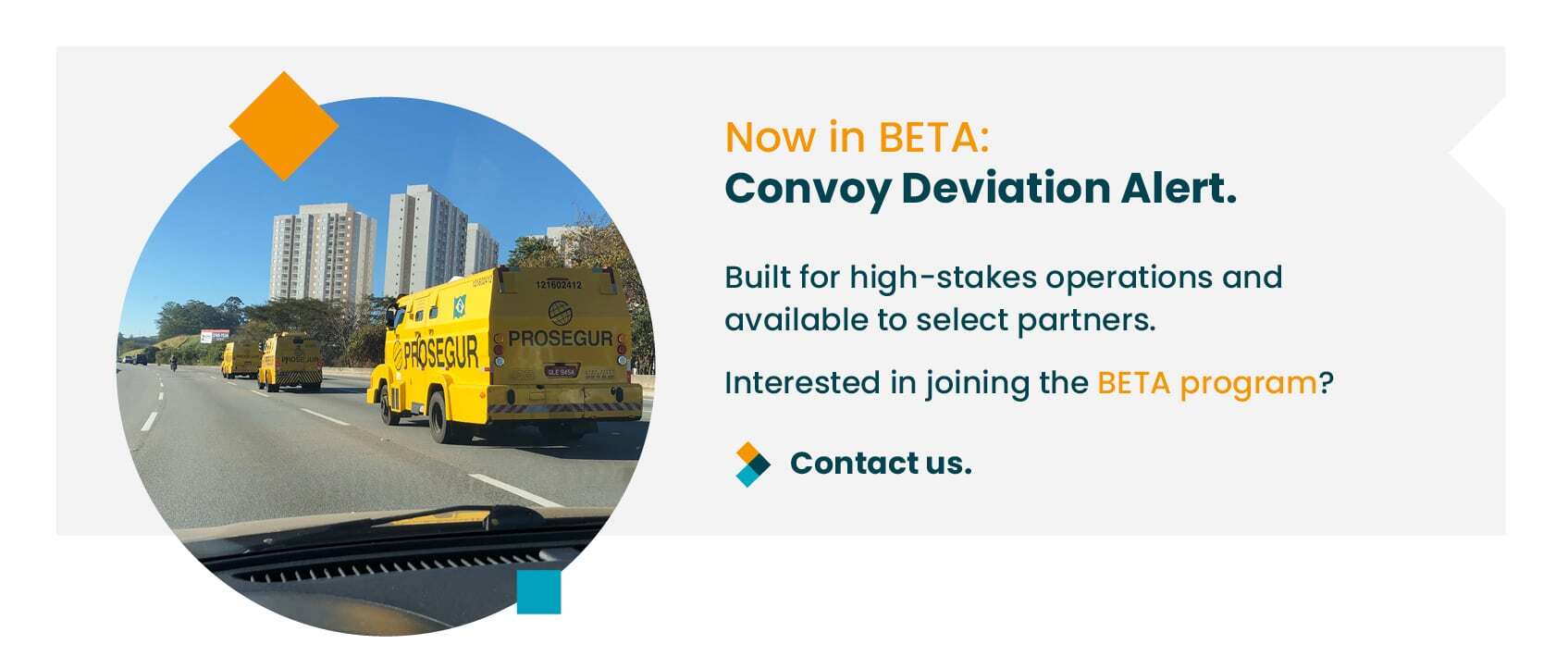
Introducing the convoy deviation alert [BETA]
- Real-time monitoring of vehicles.
- Instant alerts.
- Full compliance.
- Peace of mind for all stakeholders.
Introducing the mileage limit alert
The new mileage limit alert lets users set distance limits by day, week, or month. If a driver takes a vehicle farther than permitted, the system sends a notification.
This is especially useful for vehicles with mileage caps. If a leased car is limited to 3,000 km a month, for example, you’ll get a heads-up before that limit is crossed.
Why use the mileage limit alert:
- Enables proactive and regular maintenance, avoiding vehicle wear-and-tear.
- Protects against penalties and unexpected downtime.
Introducing webhooks [BETA]
We’ve added support for webhooks on selected alerts (in BETA), so it’s easier to connect 3Dtracking to other systems your clients use.
Webhooks push alert messages directly to external servers as soon as an event happens. When a panic alert is triggered, for instance, the system can immediately send that alert message to a control center, helping dispatch respond faster and automatically log the event for reports or audits.
Why use webhooks:
- Instant data delivery for efficient decision-making.
- Supports workflow automation.
Platform updates and enhancements
Beyond new features, we’ve made a series of updates across the platform to improve everyday usability, security, and data clarity. Here’s a look at what’s new.
Temperature alert frequency
When transporting temperature-sensitive goods, a single missed alert can be costly. To help avoid that, we’ve added a repeat frequency setting to temperature alerts. Now, if a temperature condition remains out of range, the system will continue sending alerts at user-defined intervals until it’s resolved.
The impact of the temperature alert frequency:
- Minimizes risks and potential financial penalties.
- Ongoing alerts support timely issue resolution.
Individualized KPI scoring
Driver and vehicle performance varies across regions, vehicle types, and operations. To reflect this, KPI scoring now supports individualized profiles. Instead of applying one set of scoring rules to all KPIs, users can now assign specific scoring logic to each profile.
The power of individualized KPI scoring:
- Improves accuracy in driver performance analysis.
- Enables easier and more objective performance evaluation.
- Greater control over KPI scoring.
Automated commands 2.0
Our popular compound alerts feature now supports time and date-based criteria for automated commands. This added control lets users define when certain actions should be triggered, so that automation is more precise and aligned with operating hours.
For example, a fleet operator might configure a vehicle to be immobilized automatically in response to a security alert, but only after hours or during weekends.
The benefit of automated commands 2.0:
- Reduces false triggers and operation disruption.
- Allows for efficient automation and less chance of human error.
Signature field with image preview
Sign-offs captured through the platform’s unit action list are now easier to verify. The report now includes a preview image of any signature added, making it possible to confirm acknowledgments directly within the report without needing to download or open separate files.
The benefits of image preview:
- Streamlined audits and routine checks.
- Greater efficiency in the verification process.
Tag attribute in action lists
We’ve added support for custom tags in action lists. Users can now label both vehicle and alert action lists with tags, making it easier to categorize, group, and filter entries.
Whether it's tagging submissions as “DVIR,” “Speed Alert,” or “Fuel Check,” these labels help teams sort through large volumes of data and focus on what matters most.
The impact of attribute tagging:
- Increases efficiency and clarity.
- Reduces tedious manual tasks.
Authorized cards for SolarGuardX
For fleets using SolarGuard locks, now's your chance to easily and securely verify who has access without needing to physically inspect the asset. Users can view the complete list of authorized RFID cards tied to a specific unit, either through the 3Dtracking platform or via API.
The benefits of authorized cards:
- Real-time visibility of authorized RFID cards.
- Simplifies access management for secured assets.
Driver name consistency
A new setting in the 3dtracking platform allows users to choose how driver information appears throughout the platform. You can now standardize driver references as Name, Display Name, or ID.
The power of driver name consistency:
- Greater consistency across reports, dashboards, and alerts.
- Increased flexibility to tailor driver identification to different business needs.
Advanced filtering for inside location report
The inside location report now includes time-based filtering, so users can define specific windows of interest. Instead of showing all instances of a vehicle being inside a location, the report can focus only on selected timeframes (for example, business hours).
The benefits of advanced filtering:
- Removes irrelevant data, such as overnight or weekend stays.
- Improves report precision.
- Helps align staffing and fleet scheduling decisions.
Fuel summary report
To better support non-moving equipment, such as generators or mining machinery, we’ve added an engine running time column to the fuel summary report. This gives users insight into fuel use based on engine hours rather than vehicle movement.
Now, for stationary assets, you can track how long the engine was running over a given period.
The power of the fuel summary report:
- Greater accuracy in fuel management and analysis.
- Supports more informed maintenance planning based on actual usage.
Fuel increase (refueling report)
We’ve added a new state column to the fuel increase (refueling) report. This allows users to see the state where each refueling event took place, making compliance with regional reporting requirements like FMCSA and IFTA much easier.
The impact of the fuel report enhancement:
- Simplifies tax reporting for fleets operating across state lines.
- Provides clearer geographic context for refueling events.
Trip summary report
The trip summary report now provides comprehensive driver identification. In addition to the existing driver ID column (renamed for clarity), we’ve added two new fields: driver name and driver display name.
This update makes it easier to verify who was behind the wheel without referencing external systems. Operations teams can now view full driver details in one place.
The benefits of the trip summary report:
- Greater visibility across fleets.
- Allows for seamless internal auditing and reporting.
Search by driver name
More good news: Users can now search by driver name directly in the unit card search bar. Whether managing a large fleet or multiple drivers per vehicle, this update simplifies the process of locating active units.
The power of search enhancement:
- Reduces manual lookups and offers greater flexibility in search.
- Boosts efficiency across the tracking process.
Fewer login retry attempts
To strengthen security, we’ve lowered the number of allowed login retry attempts across the platform from 10 to five. If incorrect credentials are entered five times, the account is temporarily locked and will require a password reset or assistance from support.
The benefits of fewer login retrys:
- Strengthens security across user accounts.
- Greater protection for sensitive fleet data.
Consolidated billing
Managing billing just got easier. Partners can now generate a single, consolidated PDF statement covering multiple months - no need to create each one individually.
The impact of consolidated billing:
- Streamlines invoicing process.
- Minimizes human error and improves accuracy in financial reporting.
New device integrations
- GV50CNA – Compact Tracker: The GV50CNA is a cost-effective LTE Cat1 GNSS tracker specially designed for the BHPH market (Buy Here Pay Here), automobile finance, and stolen vehicle recovery.
- GV50CEU – Compact Tracker: The GV50CEU is a cost-effective entry-level LTE Cat1 fallback 2G GNSS tracker that continues the success of the best-selling GV50 series.
- GV355CEU – Vehicle Tracker: GV355CEU is Queclink’s new flagship telematics device dedicated to advanced fleet applications and can now support tachographs.
- ET300 – Compact Tracker: *The ET300 is a high value 4th generation tracking device, designed for light duty vehicles. featuring fully configurable settings, Bluetooth low energy and a robust device management system that is easily scalable to millions of devices.
- BW09 – Compact Tracker: The Benway BW09 GPS tracker offers dual GPS+LBS tracking for vehicles and includes a G-Sensor, internal battery, ACC/AC recognition, and more.
- BW08 – Compact Tracker: *Built for light duty vehicles, the BW08 is a high value 4th generation tracking device featuring fully configurable settings, Bluetooth low energy, and an easily scalable device management system.
- BW02 – Card Tracker: The Benway BW02 Vehicle GPS Tracker is designed for efficient vehicle tracking with its GPS+LBS double finding feature.
- CyberLabel X100 – Compact Tracker: CyberLabelX 100 is an advanced rechargeable battery powered tracker with an extremely slim design and optional temperature or temperature and humidity probe.
- GT06 – Compact Tracker: GT06 GPS car tracker allows you not only basic tracking but voice monitoring, SOS emergency alarm, and remote engine start.
- GT23 – Compact Tracker: GT23 is a practical and easy-to-use GPS tracker applicable for bicycles, yachts, and boats. It is equipped with built-in GPS and GSM antennas.
FAQs about our August releases
Book a chat with our technical account team if you’d like a personalized introduction to all these new releases, so you and your clients can enjoy the benefits as soon as possible.