

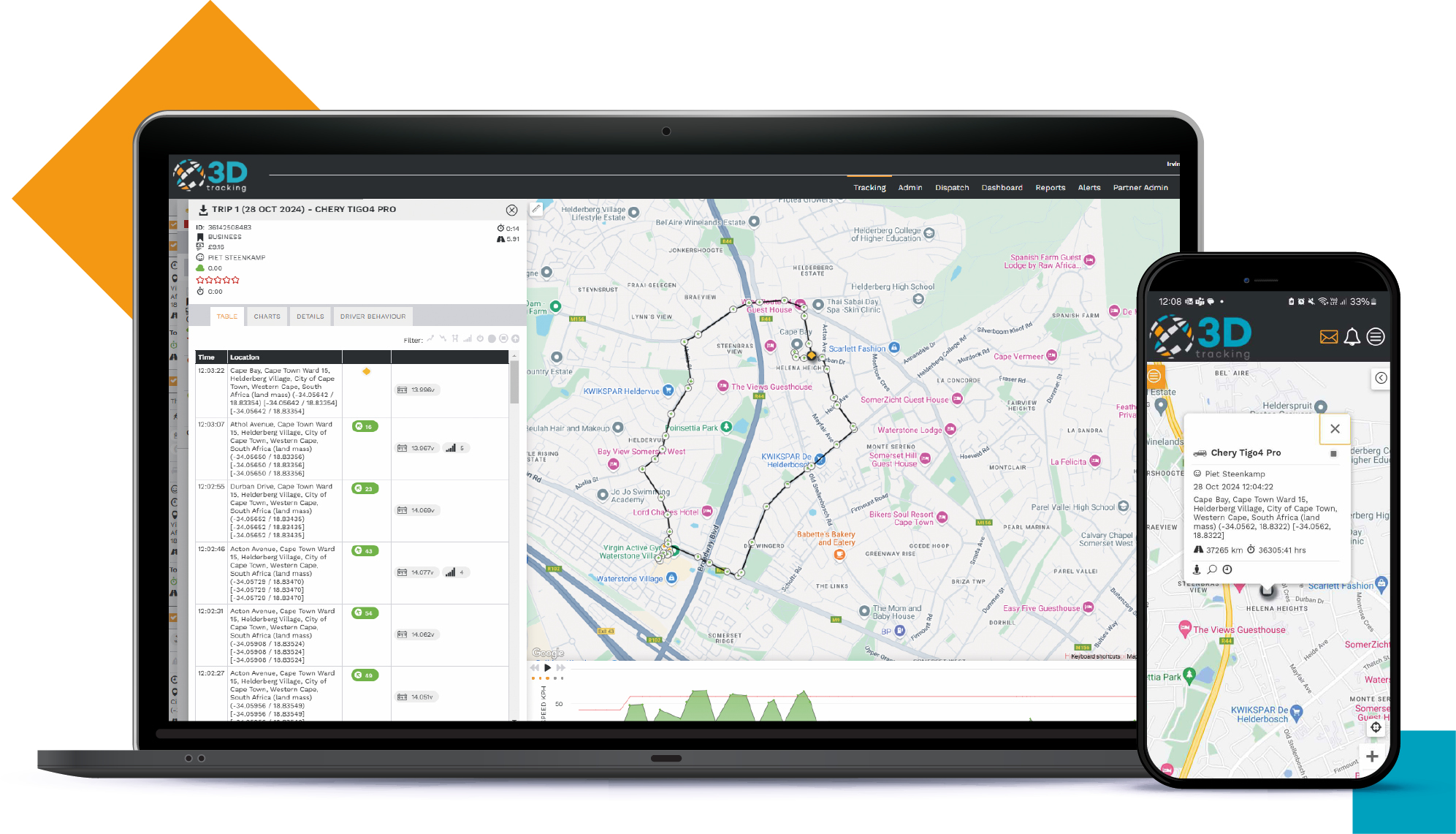
This latest platform release is more than just new features—it’s a direct response to the needs and requests of you, our fleet management solution provider partners. Everything we have built has been designed to make things easier, give you more control, and provide deeper insight—whether you're monitoring fuel usage, tracking driver performance, or streamlining admin tasks.
New Features Spotlight
We’ve highlighted a few standout updates upfront because they’re especially noteworthy and will make a big difference to you and many of your clients.
Automated Commands
Compound Alerts can now trigger commands automatically, making responses faster and workflows easier to manage—especially in time-sensitive scenarios. You can read more about Automated Commands here
Location Management in Client API
New endpoints make it easy to create, update, and delete locations via API. This enables seamless integration with third-party systems.
Refuel Limit Configuration
Refuel limits are now managed exclusively through Sensor Unit Config, ensuring consistent, reliable reporting and an easier setup process.
AdBlue Consumable Added to Fuel Monitoring
AdBlue is now included as a trackable fuel, making it easier to monitor total fuel costs—especially in European fleets where it's standard.
Additional Fields in Fuel Log Form & Bulk Upload
You can now add a Reference and Notes field, making bulk uploads more flexible and recordkeeping easier to understand.
Smoothed Fuel Unit Sensor Cloning
Cloning now includes smoothed fuel sensor settings to make unit duplication more seamless and reduce setup errors.
The benefits of these new features
Easier
Streamlined workflows and less admin
- New Search Bar in Mobile App – Find information quickly with a single tap. It’s faster and easier on the go.
- Single Sign-On (SSO) with Google Integration – A more seamless, secure way to access the platform—no new credentials to remember.
- Downloadable Sample Templates for Bulk Imports – Importing just got easier with ready-to-use templates, right where you need them.
- Bulk Odometer Update via CSV – Maintain fleet odometer and engine hours with a single upload. It’s an easy win for your admin team.
- Customer and Dispatch Locations on Location List – Export and import key locations with ease, improving data consistency.
- Access Link for Temporary Users – Share temporary access in seconds, right from the interface—no extra steps needed.
- Copy & Paste Coordinates for Location Analysis – Move coordinates between views with one click for a smoother reporting process.
- Units List API – CompanyUID Filtering – Easily retrieve company-specific units without complex query setups.
Accuracy
More accurate tracking and reporting
- Refuel Limit Configuration – A simplified, centralized way to ensure consistent refueling data across reports.
- Default 10% Limit on New Fuel Sensors – Pre-configured settings make initial setup easier and more standardized.
- Smoothed Fuel Unit Sensor Cloning – Cloning units now includes calibration settings, making the process seamless and consistent.
- AdBlue Tracking – Track AdBlue with ease alongside diesel and petrol, for a more complete picture of fleet consumption.
- Enhanced Fuel Log Fields – Add extra context to logs—making fuel data easier to interpret and manage.
Vehicle visibility
Smarter insights into usage and activity
- Time Window Filtering for Stop & Idle Reports – Focus on working hours only, making activity analysis more relevant and easier to digest.
- Time Between Trips in Trip Summary – Spot inefficiencies and delays faster with clearer, more actionable insights.
- Driver and Vehicle Columns in POI Visits – Always-on visibility—no filter changes needed for a complete view.
- Speed in MPH Support and no conversions required—track speed in the units your team already uses.
- Status Filtering in Non-Reporting Vehicles Report – Easier to isolate issues by filtering inactive or demo units.
- Odometer + Engine Time in Partner Report – All key metrics in one place for easier vehicle health monitoring.
Streamlined and efficient
Clearer driver data, easier management
- New Driver API – Driver UID and tag list support makes integration and driver lookup easier.
- Enhanced Driver Details in Reports – Cleaner, more detailed records for easier reporting and auditability.
- New Driver Tag Column – Sort and filter drivers effortlessly, especially useful for large fleets.
Security
Improved access control and visibility
- RFID Access for Jointech Locks – View authorized cards directly in the UI or via API, which makes access control seamless and secure.
Greater device integration
Support added for a broad set of new hardware from trusted partners, making it easier to connect, configure, and scale
- Queclink: GV501LG, GL53MG Plus, GV57, GV50 Plus, GL601CEU.
- Pacific Track: PT10, PT40.
- Jimi IoT: JM-LL01.
- iCar: LK209A.
- Positioning Universal: FJ970MW.
From listening to delivering
We build what partners ask for, and what they haven’t thought of yet. This release does both. We listen, we prioritize, and we deliver.
Our platform update reflects our ongoing commitment to making telematics easier, more powerful, and more adaptable to real-world needs. Whether it’s improving the user experience, simplifying data management, or expanding hardware compatibility, we’re here to back you with a platform that evolves with your business.
👉Explore the full release or contact us if you'd like help with understanding any of the new features.